One day I asked a chatbot how easy it would be to make my Balboa hot tub smart. Apparently: quite easy.
A quick search turned up an existing GitHub repository (shomanjk/esp32_balboa_spa) that controls Balboa spas / hot tub over RS485 with an ESP32, and it supports my spa’s (Iva Idun) control board.
Let’s take a step back: why do I want my spa to be smart?
- Only heat the water when my solar cells produce energy (summer), and/or when electricity is cheap (winter).
- It’s fun, I can, and it impresses my wife & kids.
Hardware
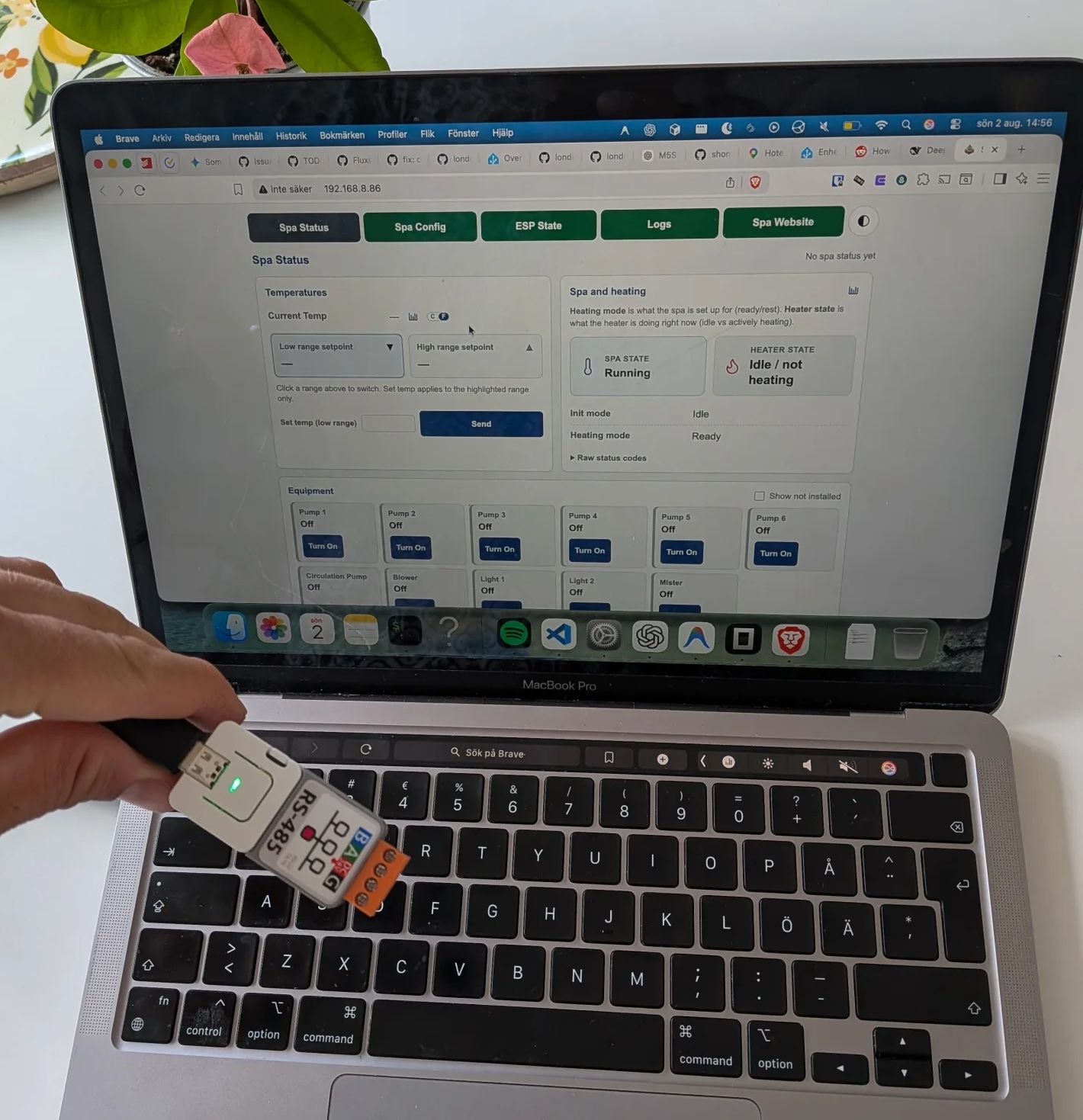
I landed on M5Stack, which is an impressive project (shop). These devices are like the Raspberry Pi of the ESP32 world, plug n’ play really. I bought the Atom S3 Lite (ESP32-S3, 8 MB flash, no screen) with the Atomic RS485 Base, and they snap together.
On my MacBook the device showed up as /dev/cu.usbmodem101 after installing the CH34x/CH9102 drivers, and of I went!
Firmware & flashing
I cloned the repo, installed PlatformIO (uv pip install platformio), and added an environment for the Atom S3 Lite. The interesting bits of platformio.ini:
[env:M5AtomS3Lite-tub]
board = esp32-s3-devkitc-1
upload_speed = 115200
build_flags =
    '-DPRODUCTION'
    '-DLOCAL_CONNECT'
    '-DLOCAL_CLIENT'
    '-DBRIDGE'
    '-DARDUINO_USB_CDC_ON_BOOT=1'
    '-DARDUINO_USB_MODE=1'
    ; Atomic RS485 Base UART on AtomS3 Lite: RX=5, TX=6.
    '-DTX485_Rx=5'
    '-DTX485_Tx=6'
    '-DAUTO_TX=true'
The RS485 pins (RX=5, TX=6) and AUTO_TX come from the environment, not from config.h. I also added a -ota variant of the same env for future over-the-air updates (not used yet).
In src/config.h the relevant settings are:
#define MQTT_SERVER "192.168.8.48"
#define MQTT_PORT 1883
#define MQTT_HA_TEMP_UNIT "°C"
#define GMT_OFFSET 3600       // Swedish time (CET)
#define DAYLIGHT_OFFSET 3600
#define AUTO_SYNC_PANEL_CLOCK 1
(WiFi credentials and the MQTT broker credentials, empty in my case, live in the same file.)
Flashing was a breeze:
pio run -e M5AtomS3Lite-tub               # build the firmware
pio run -e M5AtomS3Lite-tub -t uploadfs   # flash LittleFS (the web UI / PWA)
pio run -e M5AtomS3Lite-tub -t upload     # flash the firmware over USB
My device was at IP 192.168.8.86, and accessible at the same IP.
Home Assistant & MQTT
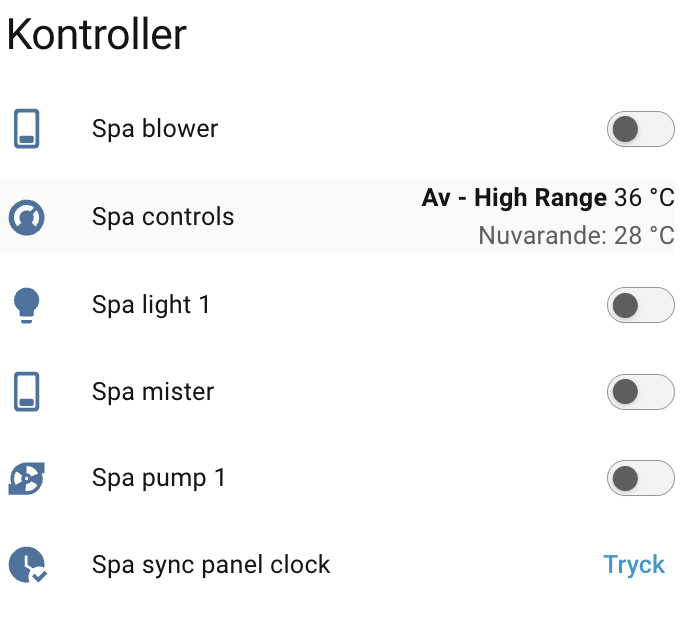
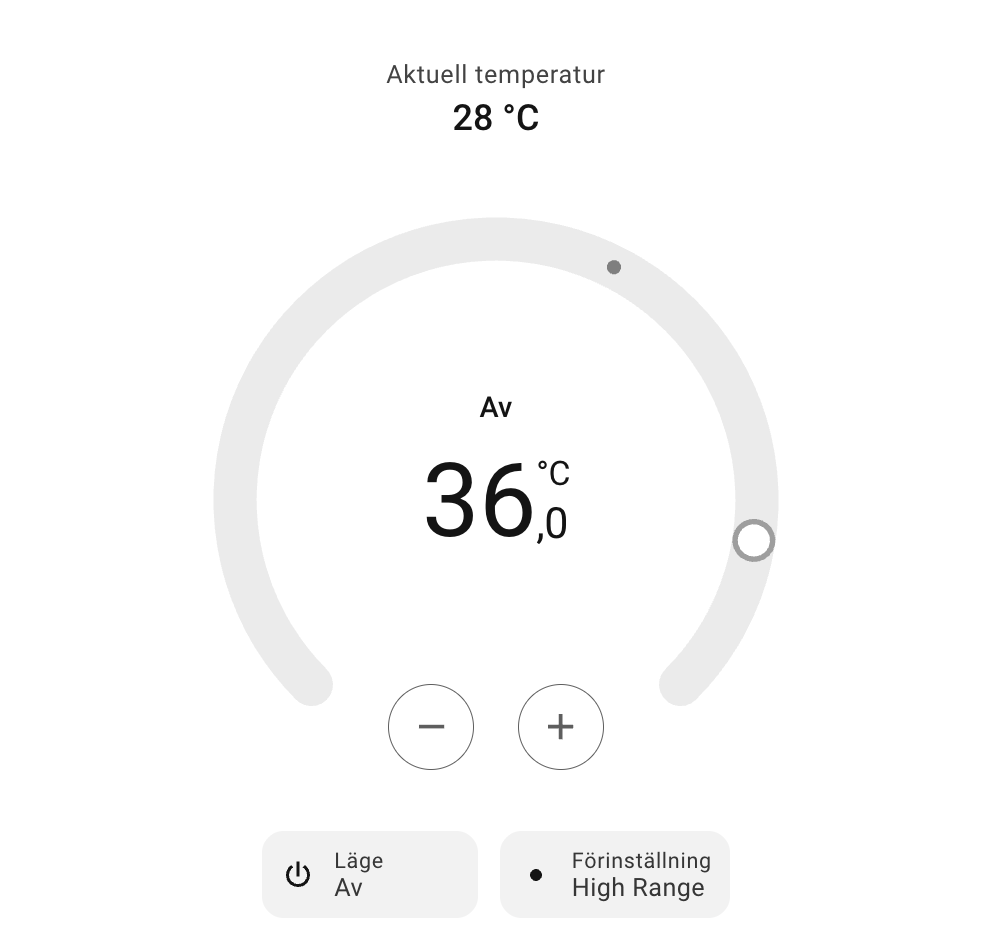
After verifying the web portal was reachable over WiFi, I connected the MQTT side. My Home Assistant runs as Docker on 192.168.8.48 (no add-ons), so I added Mosquitto (eclipse-mosquitto:2) as a separate container on the same host, with anonymous access on port 1883. I put the broker address into the firmware config, and shortly after boot the ESP32 reported “MQTT Connected” and Home Assistant auto-discovered the devices. The values showed up as nulls at first — which made sense, since the spa wasn’t wired up yet.
Wiring it up (the “hard” part)
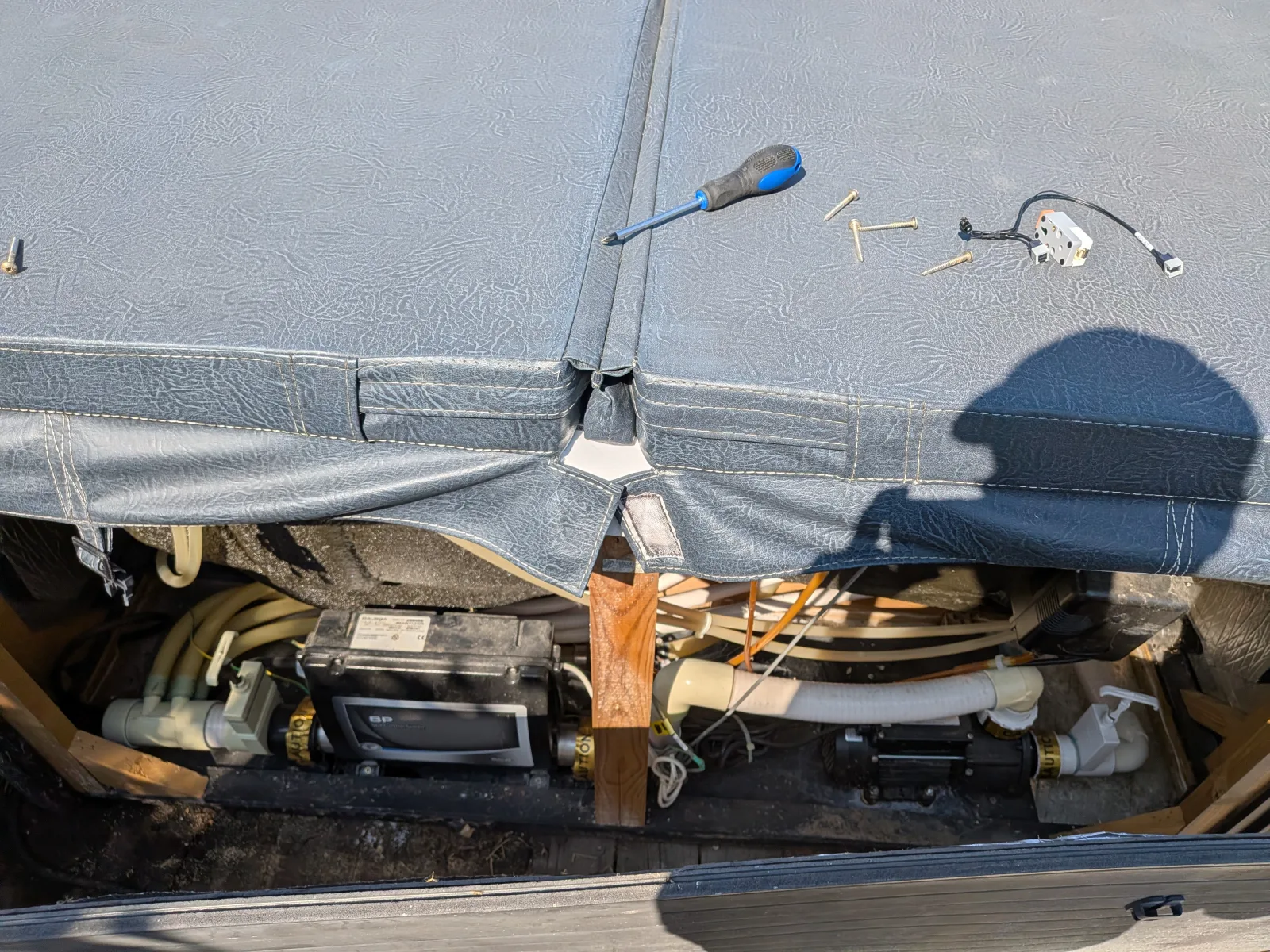
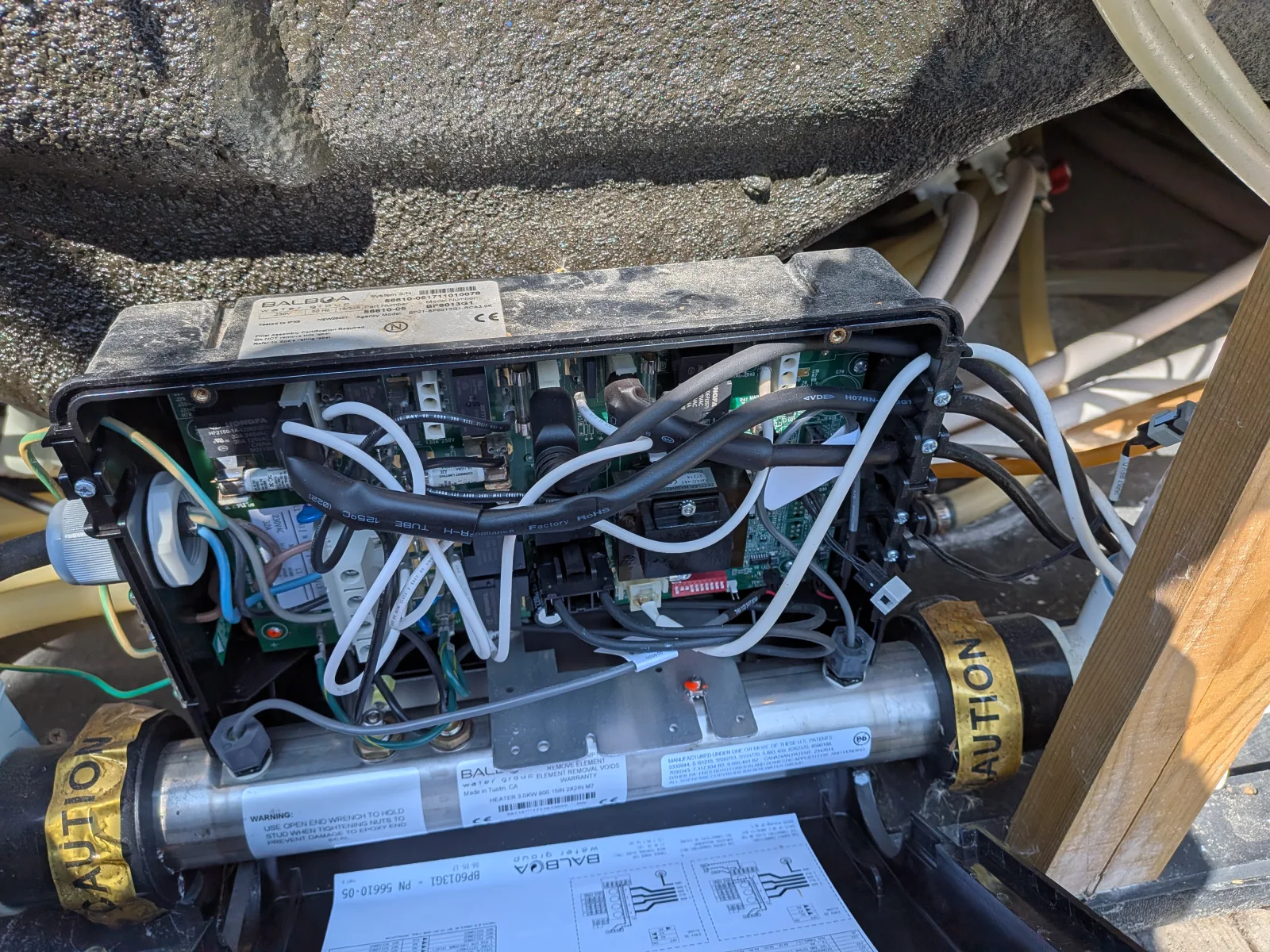
To keep both the spa’s control panel and the ESP32 on the main board’s bus I needed a Y-splitter. Everything here is on the low-voltage RS485 control bus, no mains involved.
The Y-splitter is a Molex 2×2 connector. I cut it open and wired the pins to the Atomic RS485 Base’s screw terminals:
| Y-splitter pin | Signal | RS485 Base terminal |
|---|---|---|
| 1 | +12 V | DC24V |
| 2 | B | B |
| 3 | A | A |
| 4 | GND | GND |
It works!
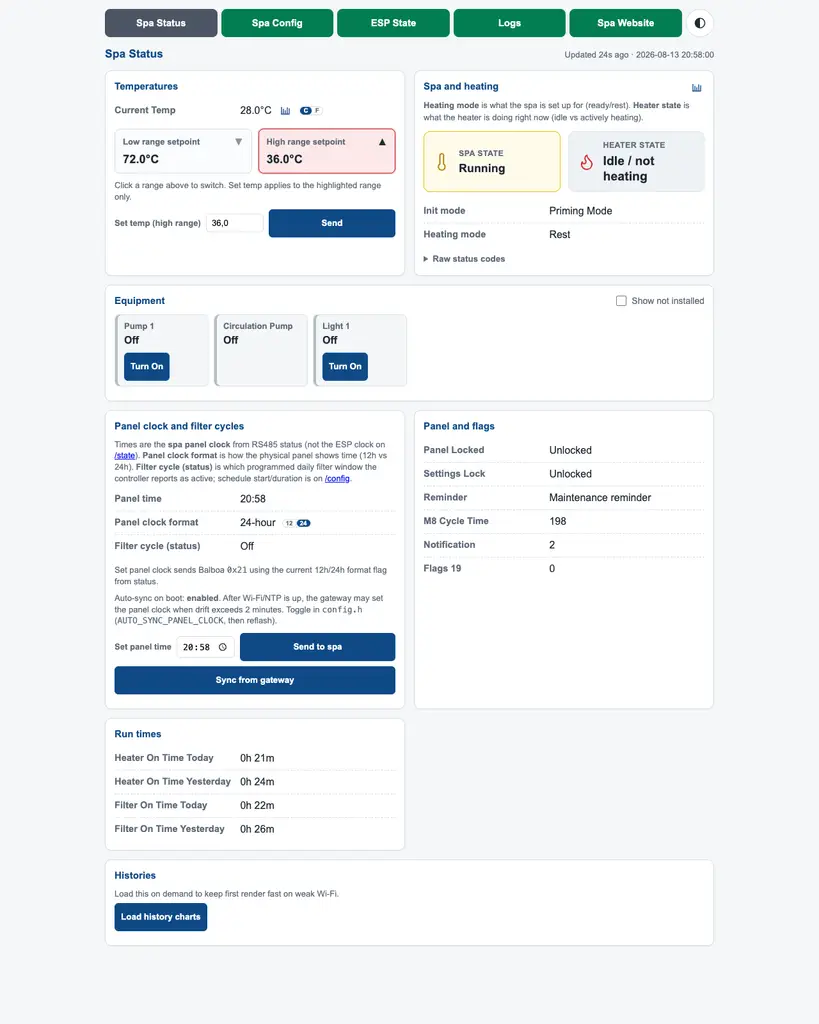
Did it work? Yes, indeed it did! The ESP32 booted, the web portal was running powered by the RS-485, but no numbers were showing… Swapping the A & B wires solved it: the RS485 polarity was reversed (a classic Balboa gotcha), and after the swap the firmware reported valid frames (VALID_FRAMES_OK) and locked the polarity. The spa started producing reasonable values e.g. setTemp 36 °C, Running, etc. on the built-in /status page.
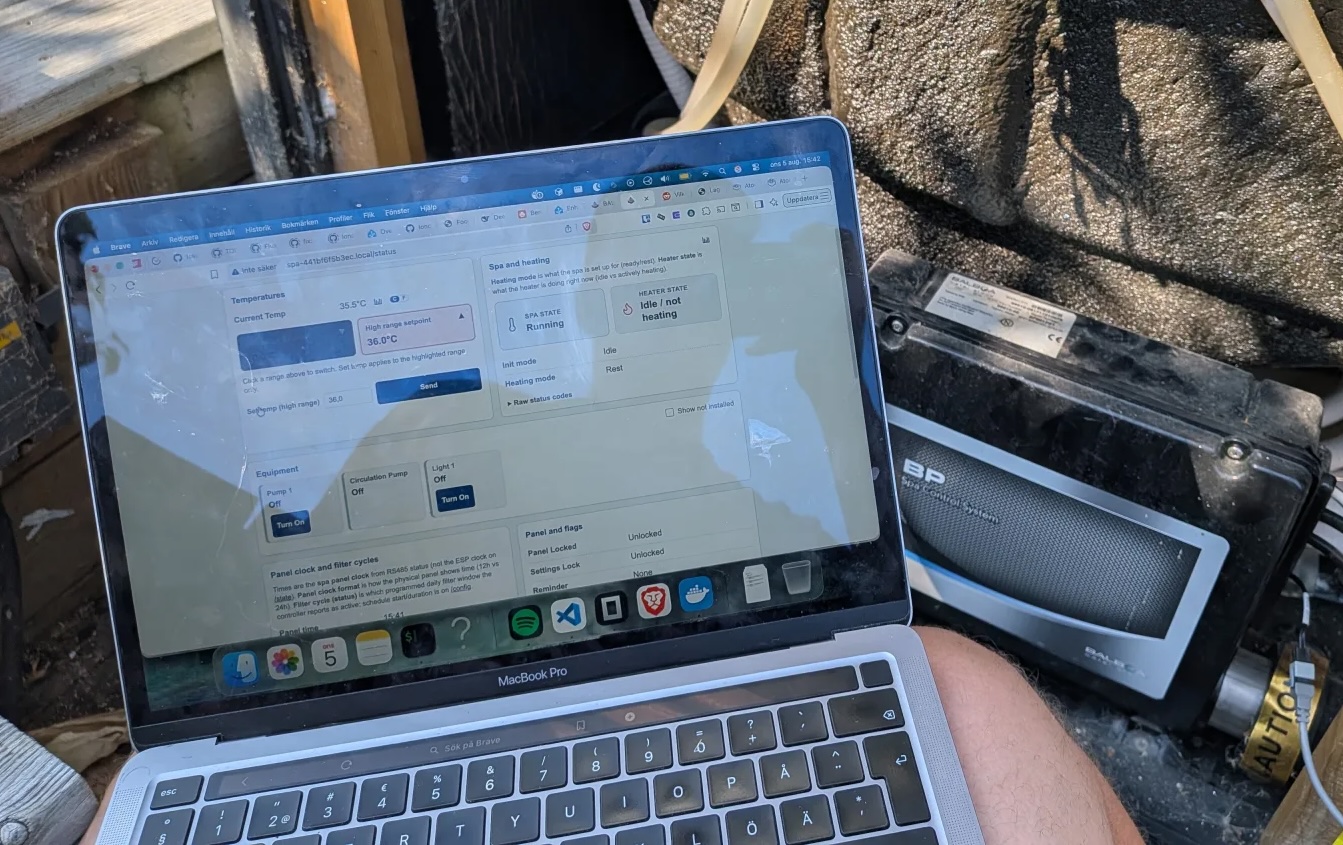
The final test: could I start the jets and change temperature from my laptop? From the web UI, oh yeah!
What’s next
The whole point was heating on cheap energy: a Home Assistant automation that turns on the heater when solar production exceeds household usage (summer) or when the electricity price drops (winter). That’s the next part! :)
~Hampus Londögård